Custom Audio & Ringtones
Transmute your morning routine with native ringtones, blaring pre-loaded sirens, or your own bespoke MP3 library.
Overview
Waking up should be deeply personal. ReAlarm shatters the limitation of basic alarm clocks by integrating a multi-tabbed, highly sophisticated audio selection engine. Whether you need the absolute loudest siren available to break a deep sleep cycle, a standard melodic device ringtone, or a specialized motivational speech extracted from your own Custom MP3 Audio library, total acoustic control is in your hands.
Capabilities
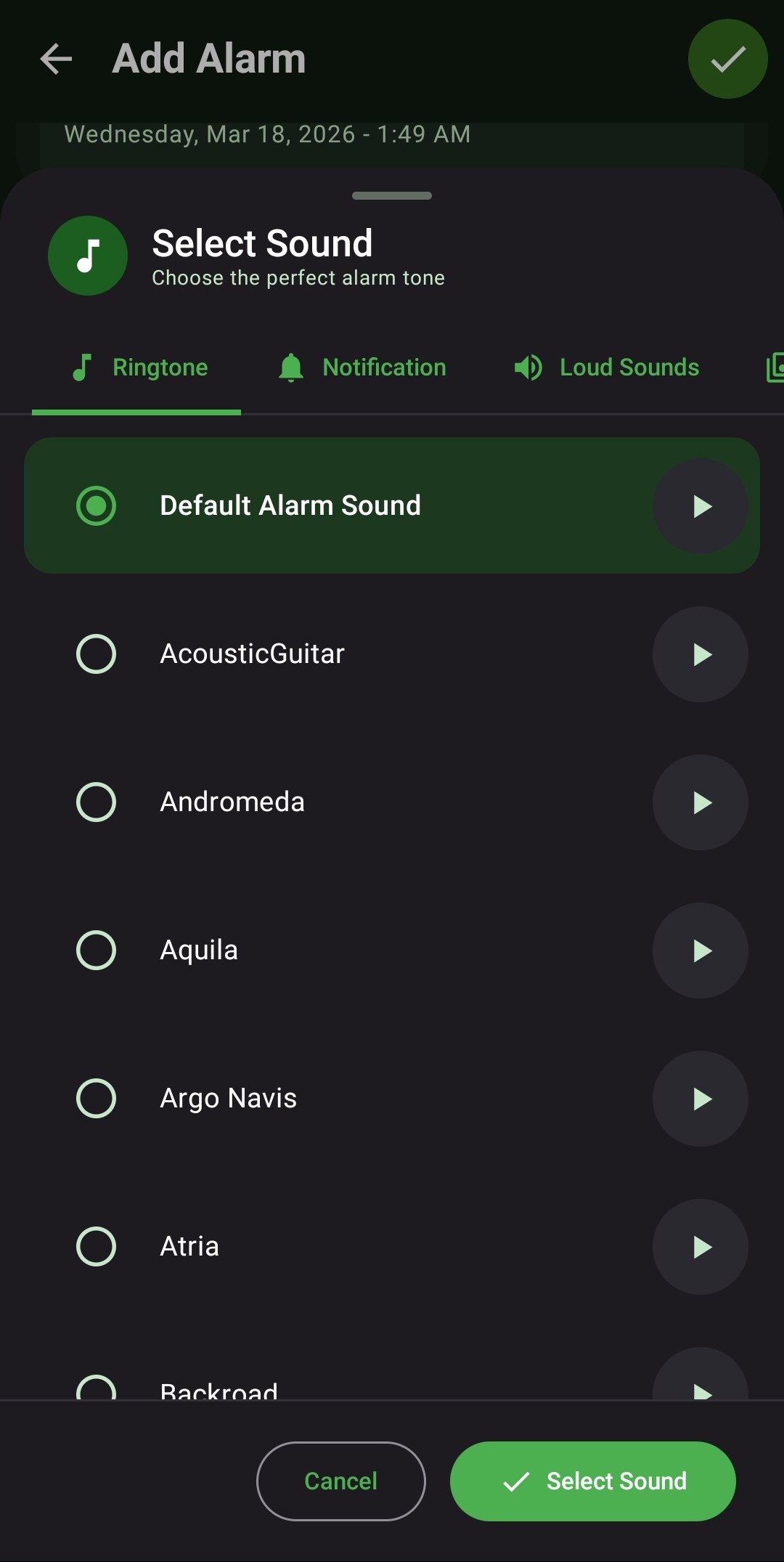
- Native Ringtones: Instantly access and browse the entire catalog of default audio alarms natively installed on your specific Android device framework.
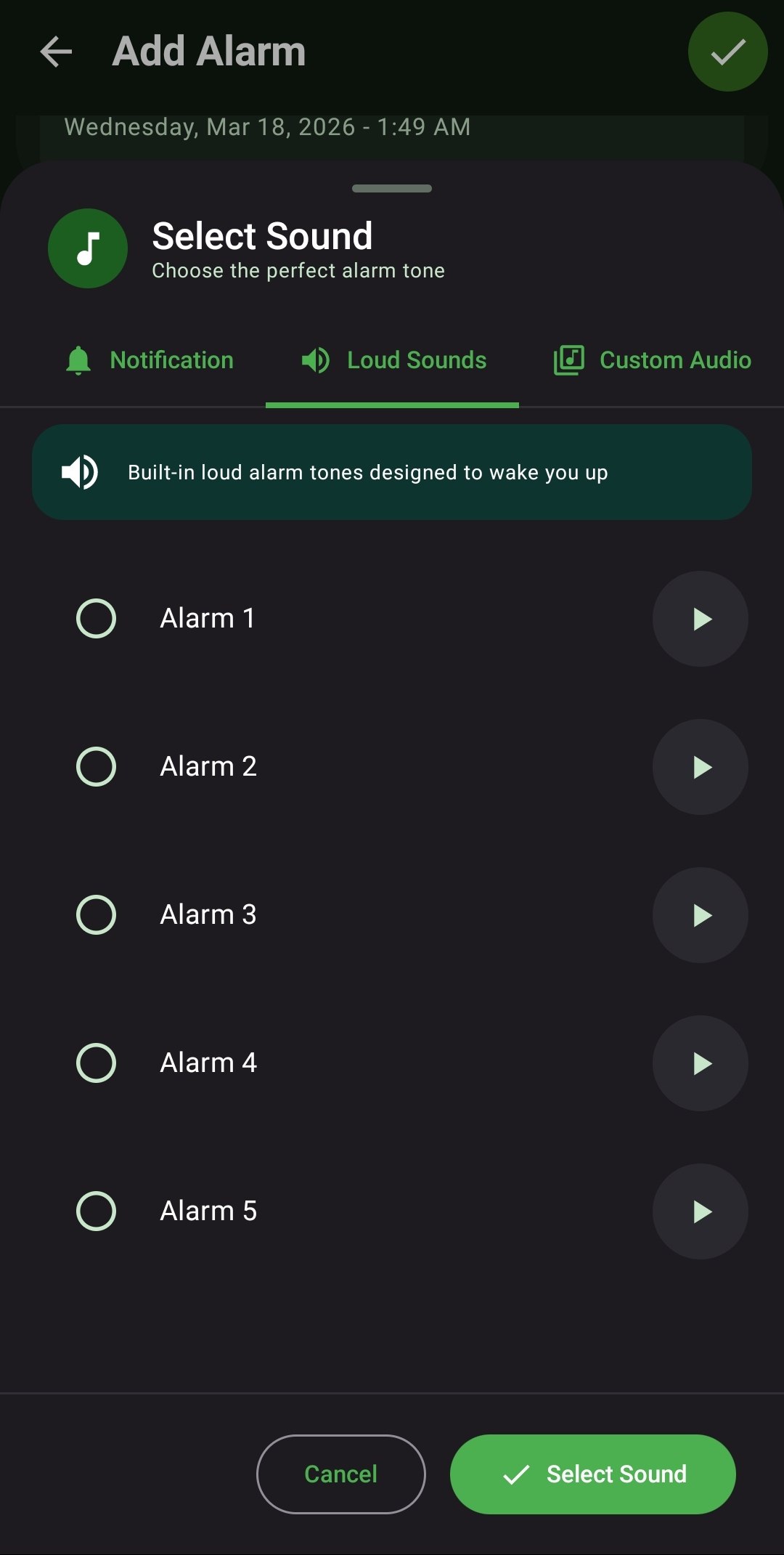
- Pre-Loaded Loud Sounds: Access an exclusive, integrated library of bespoke blaring sirens and high-frequency tones explicitly engineered by ReAlarm to wake heavy sleepers.
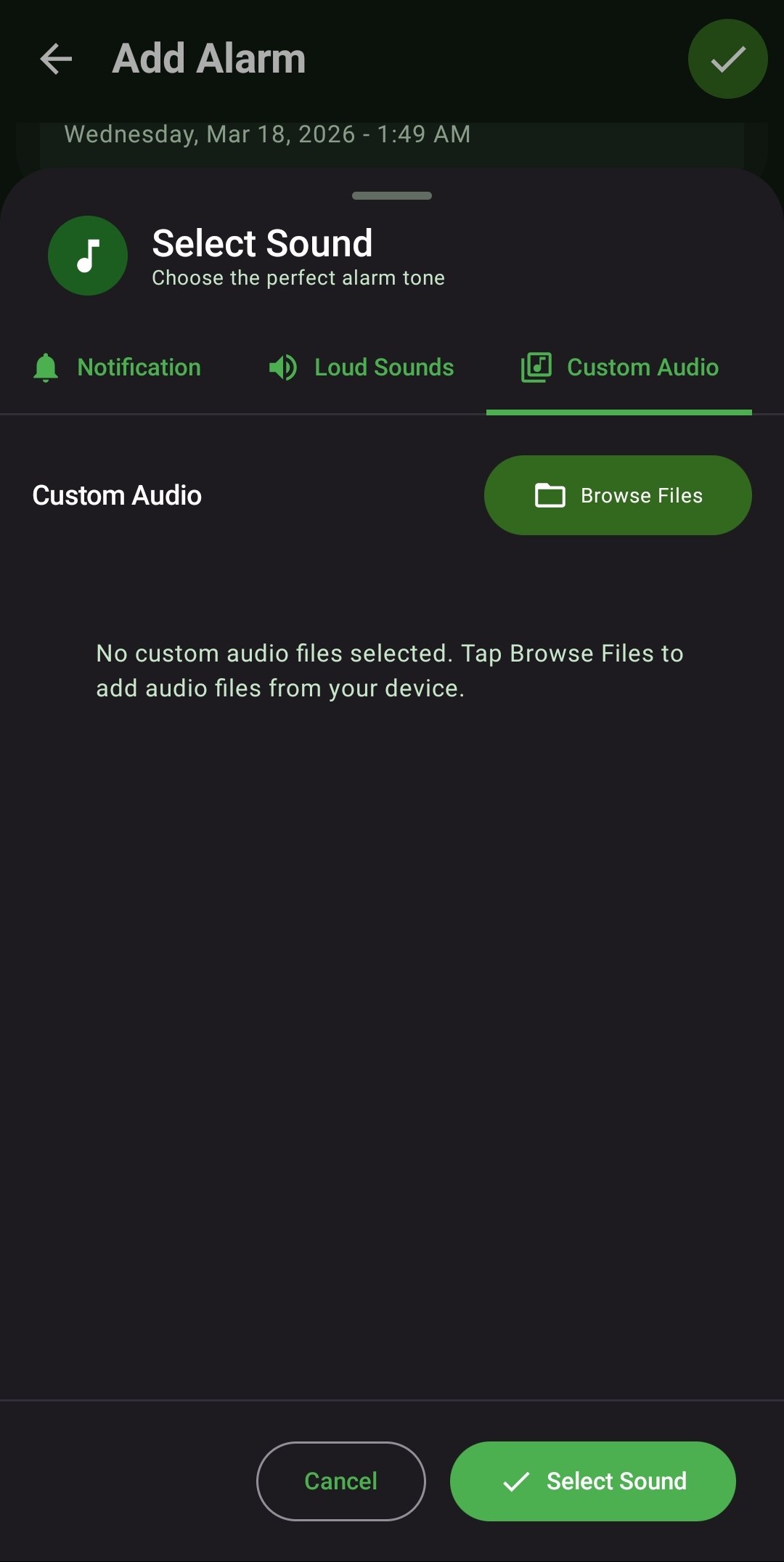
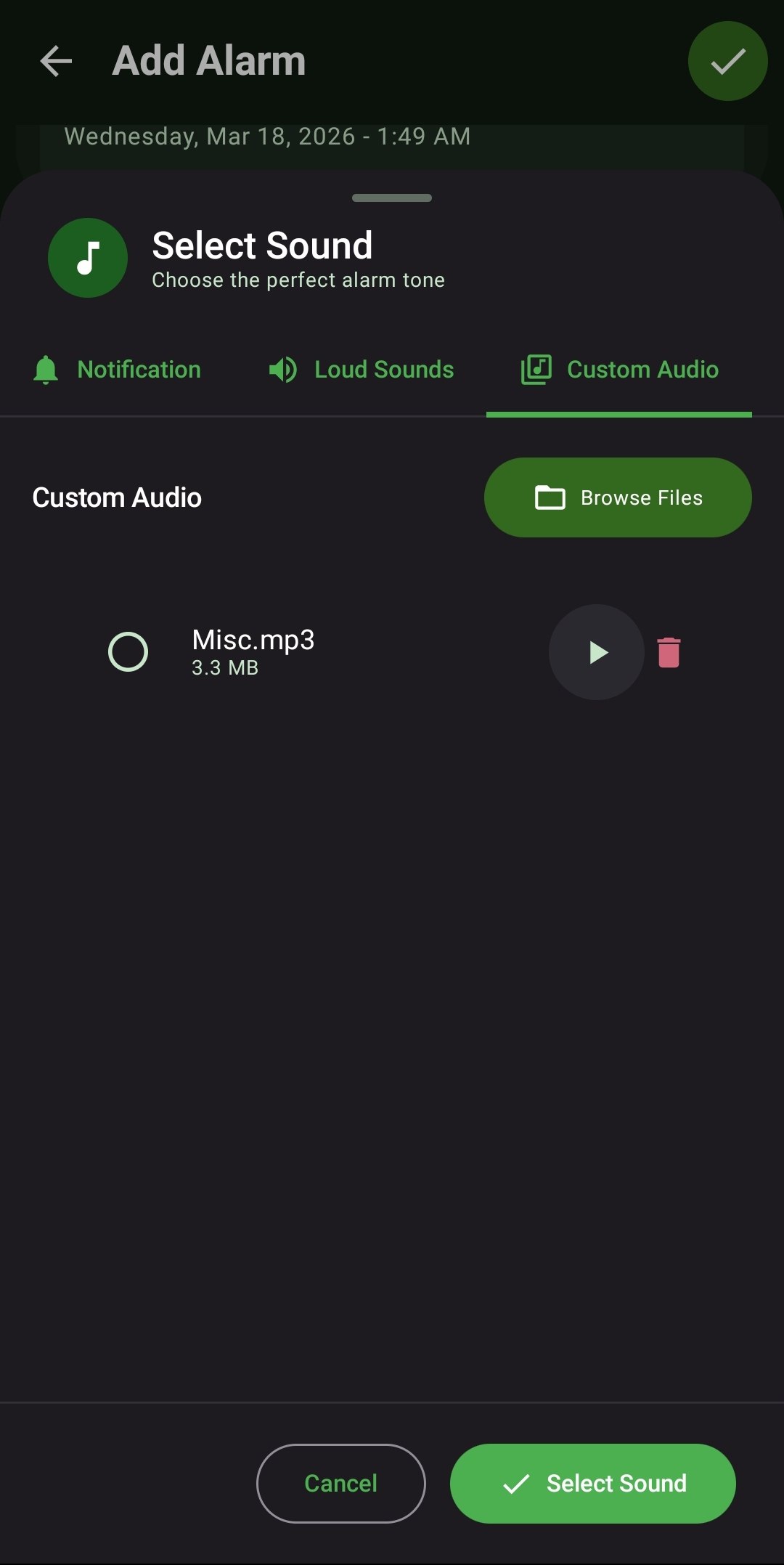
- Custom Local MP3s: Bypass default constraints by importing any high-quality MP3, WAV, or audio file directly from your device's local storage to serve as your proprietary alarm anthem.
- In-App Previewer: Instantly audition and test any selected ringtone or custom audio file directly within the ReAlarm selection menu before officially saving it.
- Fail-Safe Fallback: If you accidentally delete or move a Custom MP3 file on your device, ReAlarm's fail-safe protocol will intelligently fallback to a default loud ringtone to guarantee you never miss the alarm.
How to Setup
- While editing or creating an alarm, tap on 'Sound Selection' to open the Audio Engine.
- Navigate between the three distinct tabs: 'Ringtone' (Native device sounds), 'Loud Sounds' (ReAlarm exclusives), or 'Custom Audio'.
- For Custom Audio, click 'Browse Files' to launch your Android file picker and select your desired track.
- Tap the Play icon next to the selection to preview the audio, and hit the green checkmark to save.
Use Cases
The Heavy Sleeper: Completely bypass generic melodies by navigating to the 'Loud Sounds' tab and selecting 'Alarm 5', a high-pitched siren explicitly designed to pierce deep REM sleep.
Motivational Mornings: Download an MP3 of a legendary motivational speech or high-energy rock song. Import it via the 'Custom Audio' tab to instantly trigger an adrenaline-fueled start to your day.
Screenshots
Frequently Asked Questions
What exact audio formats does the Custom Audio engine support?
If I choose a massive 10-minute song, will it play the whole thing?
Why is my custom audio suddenly playing a default beep?
Ready to Upgrade Your Morning?
Install ReAlarm today to unlock Custom Audio & Ringtones for free.
Get it on Google Play